Know your beans.
Enjoy their story.
Keep a coffee bean shelf with roast context, freshness references, and linked brewing records in BrewTrax.
Begin your ledger Explore the journal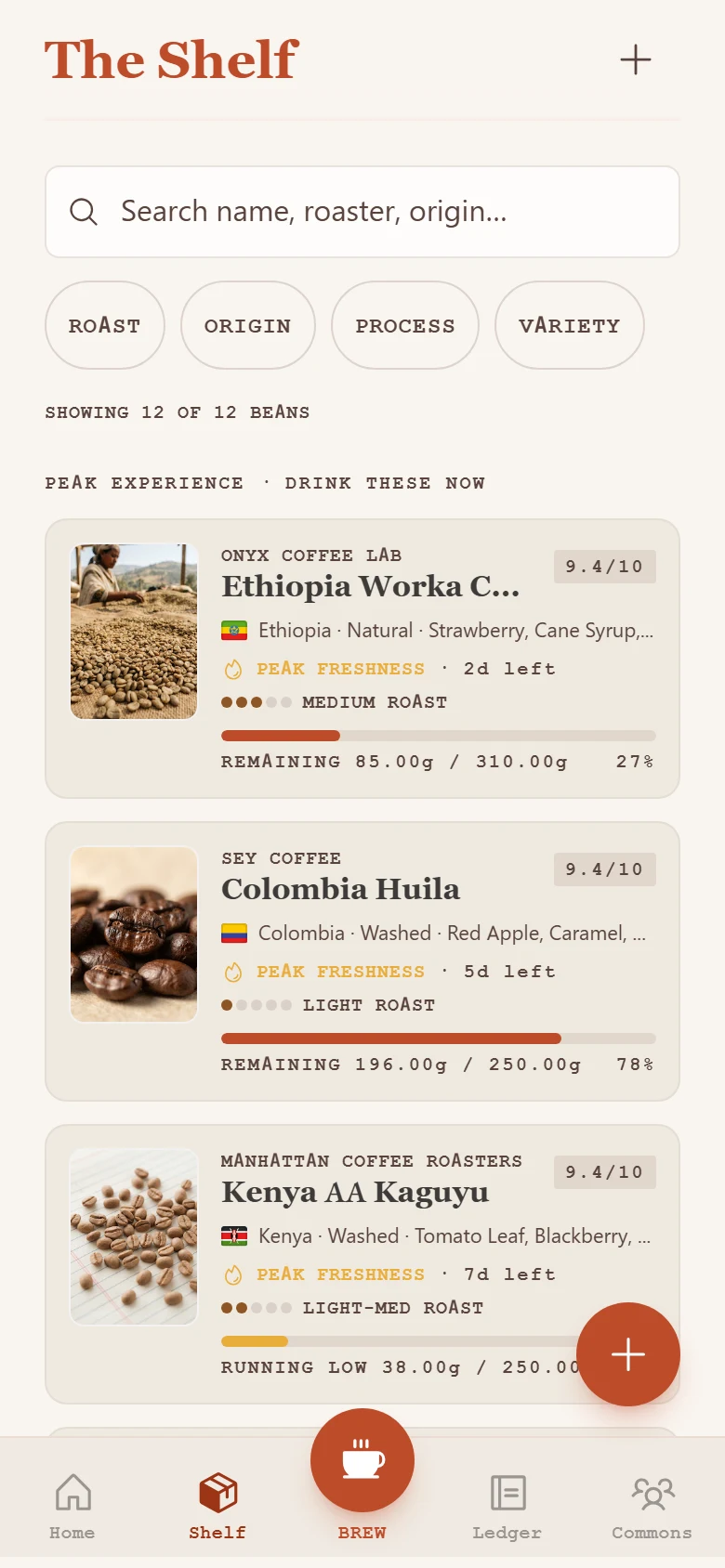
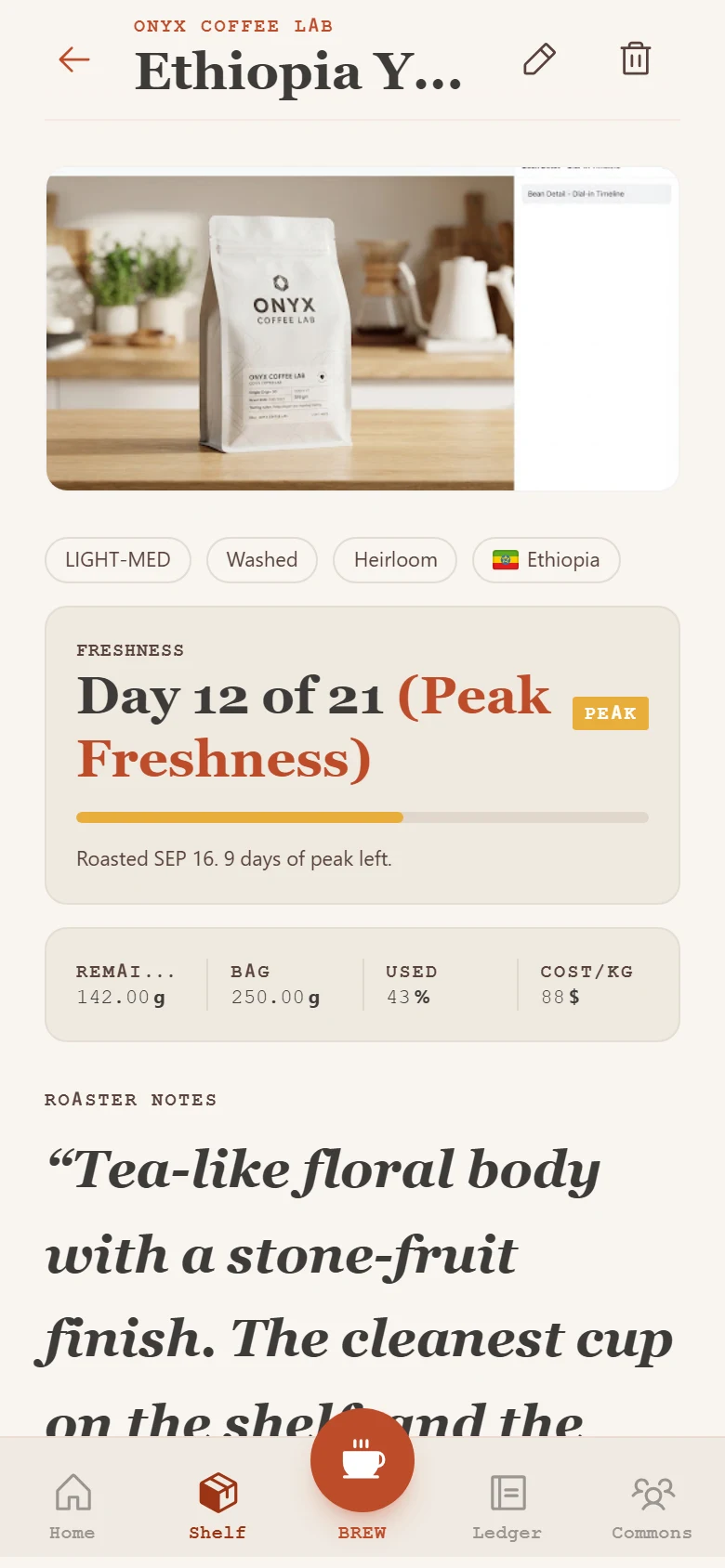
A shelf with context
Keep your coffees identifiable. The roaster, bean information, and dates are the beginning of a useful brewing history, especially when several bags are open at once.
Read the practical guideSee time beside taste
Freshness references help you notice a bag’s timeline. Your own tasting notes tell you how that coffee behaves with your method. There is no universal peak day for every bean, so use the indicator as a guide to attention.
Read the practical guideChoose tomorrow’s coffee intentionally
Review what you already own before opening another bag. Revisit a recent brew from the same coffee and start from a recipe that worked, then record any change you notice.
Read the practical guide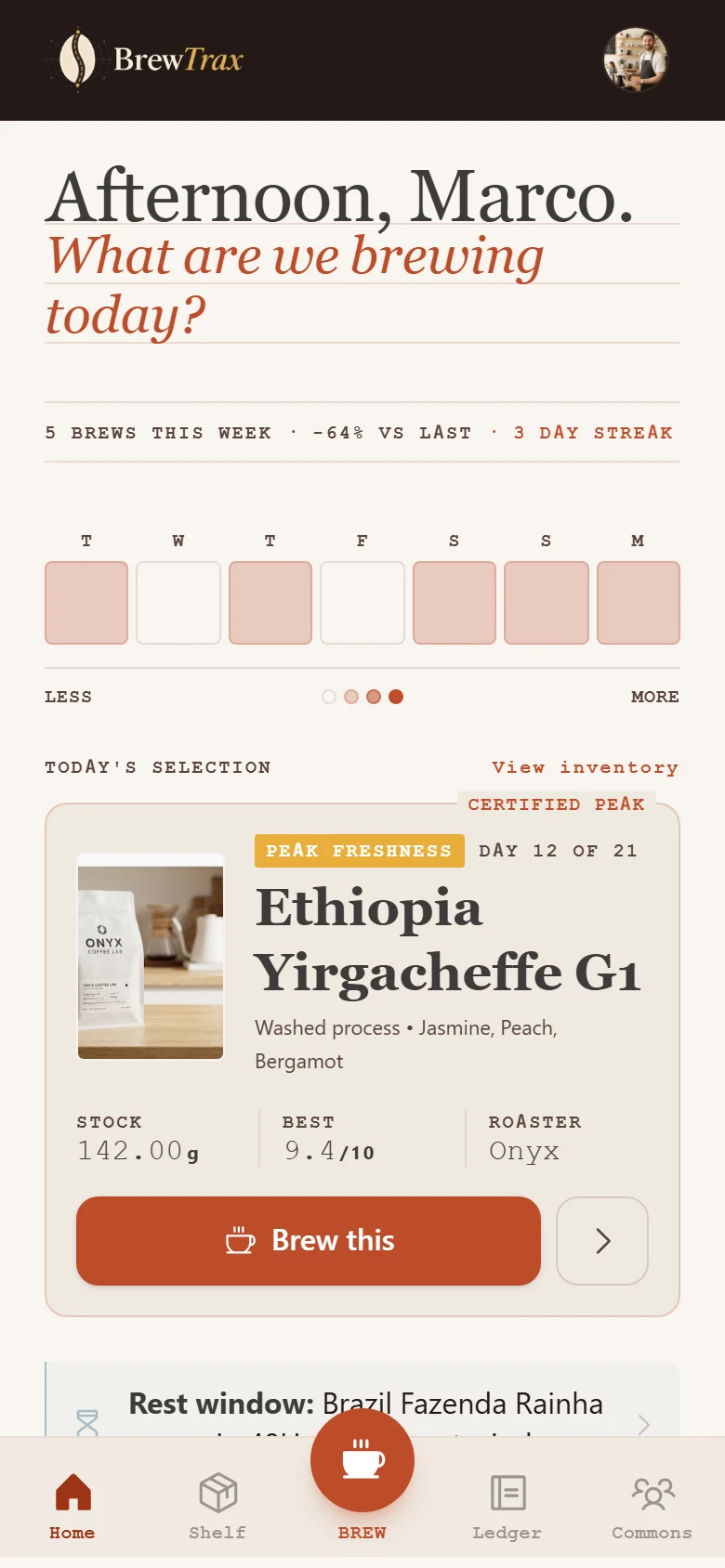
A few good questions.
Does a freshness indicator guarantee the perfect brewing day?
No. Coffee, roast, storage, and method all matter. Use the dates as context and your tasting notes to find the window you enjoy.
What if I do not know the roast date?
Keep the unknown clear and record the information you do have, such as opening or purchase context in your notes. Do not invent a date.